

Check a listing right on OLX
The Realty 24 panel appears next to the listing: fake or not, fraud reports, seller ratings and duplicates — before you call. And one button sends the listing to your CRM.
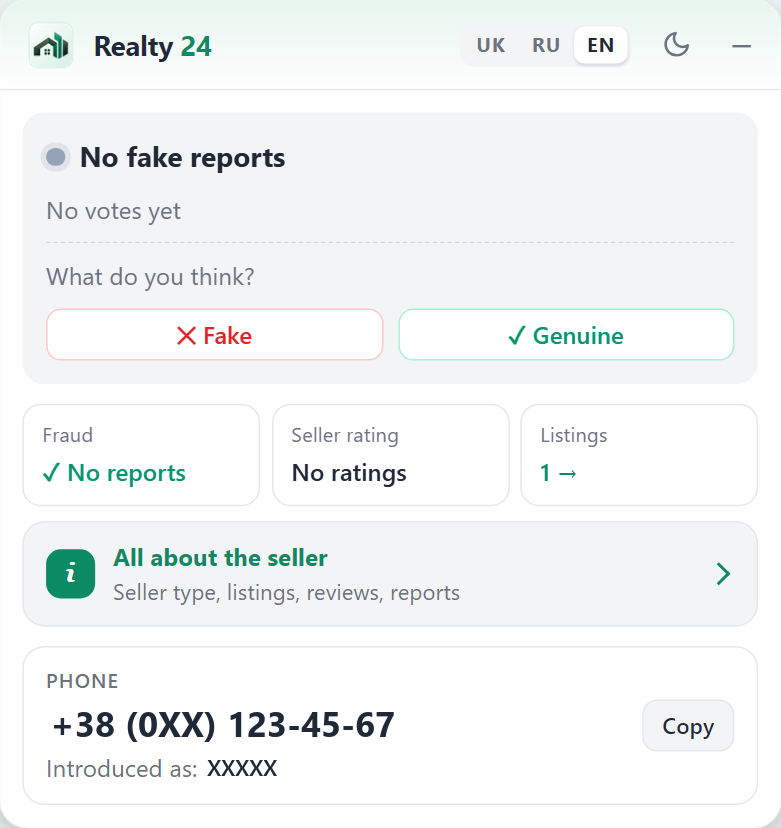
Everything about the seller — before you call
Fake or real
Users vote “fake” or “real”. You see the verdict right away, even before opening the phone number.
Red flags in the text
We spot warning phrases: money before a viewing, keys by mail, payment via a link, “no viewing” — and explain why they’re risky.
Fraud reports
If the number has been reported before, you see it immediately. You can file your own report with a description.
Seller rating
Ratings from 1 to 5 and reviews across all listings with this number.
Who’s selling
Owner, independent realtor, agency or developer — based on signs in the listings.
Duplicates and other listings
Similar listings, including ones with a different number, and all listings by this seller.
From OLX to your database in one click
- See if it’s already in your database. The panel shows right away that the listing is in your agency’s CRM.
- Create a property. Create a property in the CRM straight from the OLX page — no manual copying.
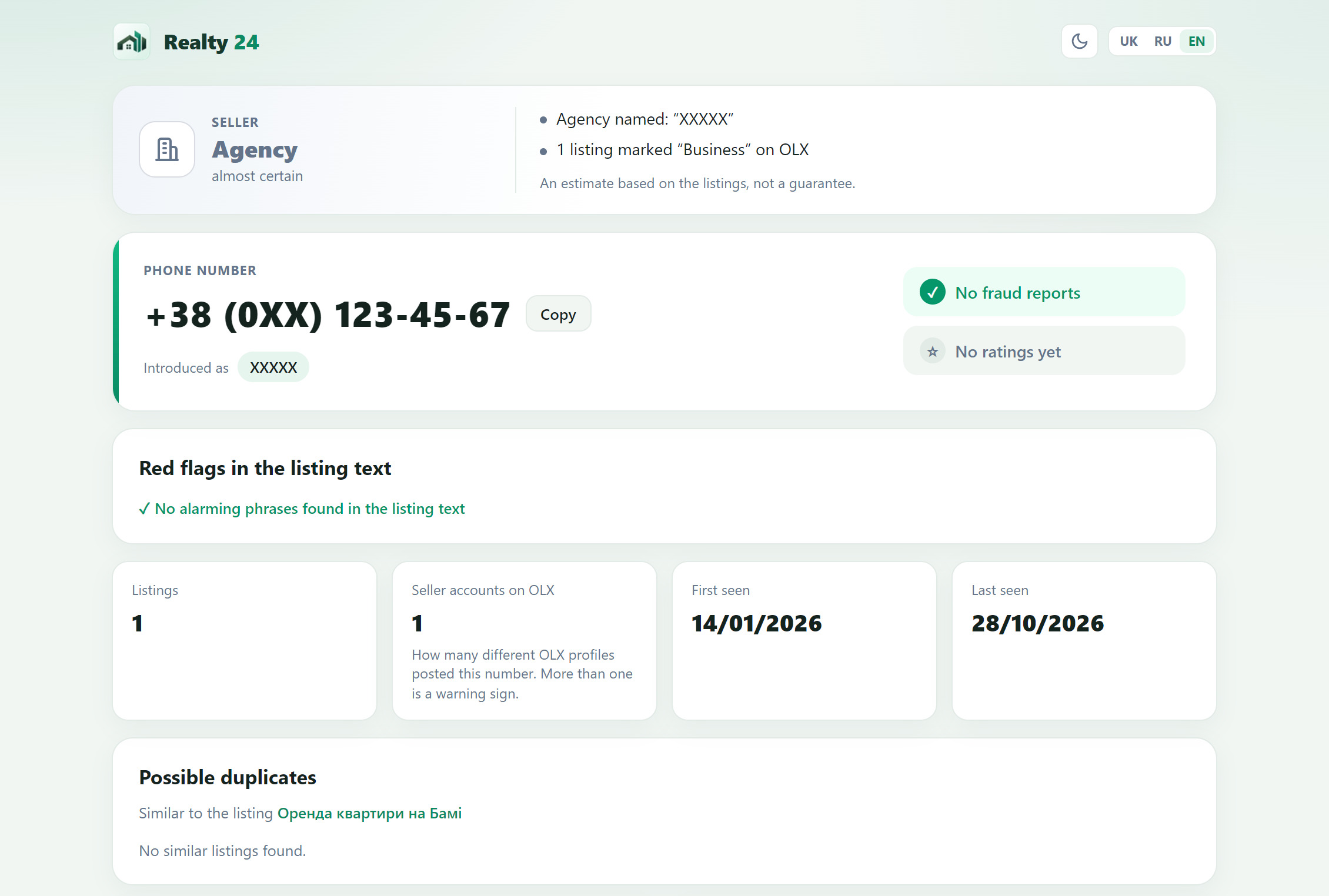
Detailed information about the property owner
A separate page for the number: who the seller is, how many listings and OLX profiles they have, when the number was first and last seen, reviews, reports and possible duplicates.
Four steps — and checks are always at hand
Install the extension
Add Realty 24 to Chrome from the Chrome Web Store.
Sign in
With Google, Facebook or email — it takes a minute.
Open a listing on OLX
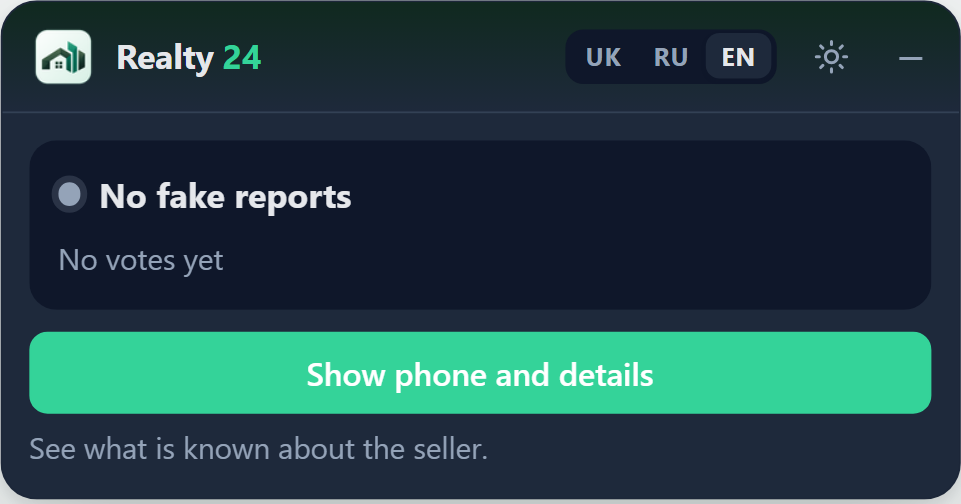
The panel appears on the right. You can drag it or collapse it into a button.
Click “Show phone and details”
See the number and everything about the seller. Mark it as fake, rate the seller or report fraud.
Learn more about Realty 24
We’ll show what we can do, learn about your goals and suggest our solutions.